Meet Klang: why a chat app should feel instant
Klang is a chat, voice and screen sharing app built around one idea: nothing you do should wait on the network. Here is how that works, and what it means for you.
The Klang team
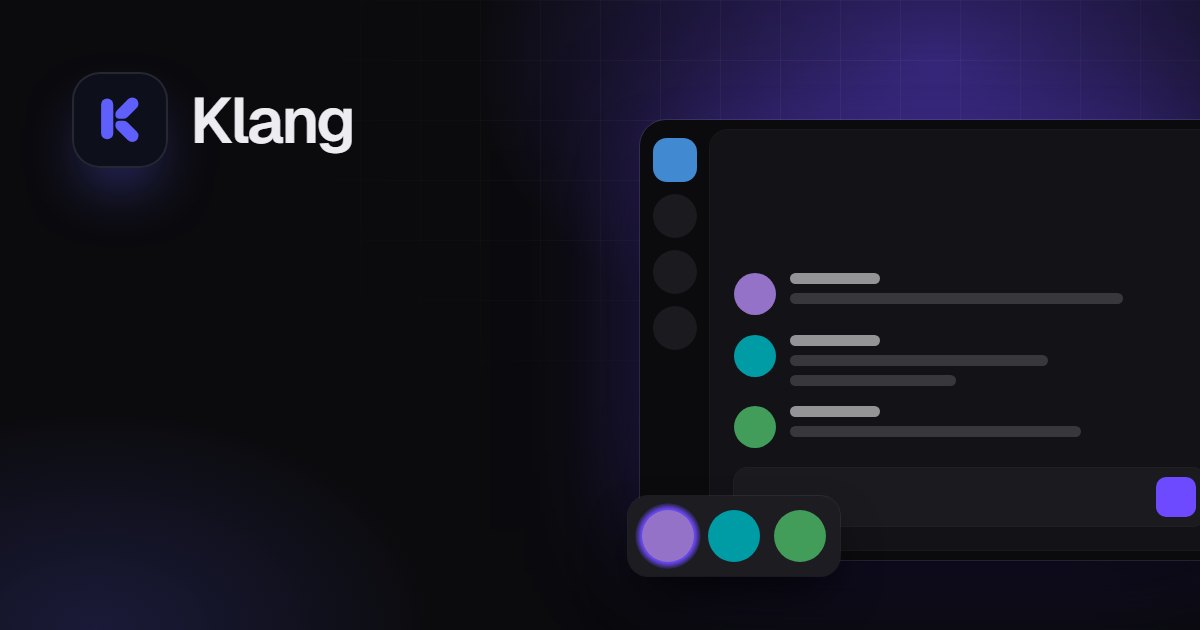
Klang is a place to talk with your people: servers with text and voice channels, DMs and group chats, video calls and screen sharing. You already know apps like this. What we care about is how it feels to use one for hours every night, and the answer we keep coming back to is simple: it should never make you wait.
This post explains what “instant” means in Klang, how we get there, and what we decided not to build so we could.
The frame after you press Enter
When you send a message in Klang, it’s on screen in the next frame. Not after the server answers: right away.
That works because Klang doesn’t wait for permission. Your message is drawn immediately with a temporary id, sent to the server, and quietly reconciled when the server confirms it. If something goes wrong, you find out; if nothing does, which is almost always, you never notice there was a round trip at all.
The same goes for reactions, edits and most of what you do. A good interface answers you first and asks the network second.
Nothing asks “anything new?”
Klang never polls. There’s no timer checking every few seconds whether someone wrote to you. Everything (new messages, someone joining a voice channel, a friend coming online) arrives over a single live connection the moment it happens.
That makes the app feel alive, and it also means it isn’t doing busy work in the background while you’re reading.
Big servers that still scroll smoothly
Lists of messages and members only draw what fits on your screen. A channel with years of history and a server with thousands of members scroll the same as a brand-new one, because the app is never laying out things you can’t see.
Voice and screens you can read
Speed isn’t only about text. In voice channels, whoever is speaking glows with the real volume of their voice, so you know who it is without looking for a name. Noise suppression is on every plan, including the free one. When you share your screen, you can switch between 720p, 1080p at 30 fps and 1080p at 60 fps while you’re sharing, without starting over.
What we left out on purpose
Every feature has a cost, and the usual cost is that the app gets a little slower and a little more crowded. So Klang doesn’t have bots, threads, forums, custom emoji or a shop. It also has no ads: we make money from subscriptions, so we don’t need your attention for anything else.
What it does have is everything you use a hundred times a day, done carefully: servers, roles and permissions, invites, DMs and groups, replies, reactions, GIFs, link previews, pins, search, notifications, and a desktop app with system-wide push to talk and game activity.
Try it in a minute
Klang is free. You can open it in your browser and join as a guest without signing up, and if you stay, you keep everything when you create an account. There’s a desktop app for Windows, macOS and Linux that updates itself.
We’d love to hear what feels slow, what’s missing and what you’d never want us to add.