Why I built Klang
I’m Guillermo Olcina, a developer and a Discord user for years. Why I built Klang, how it works under the hood and where it’s going.
 By Guillermo Olcina
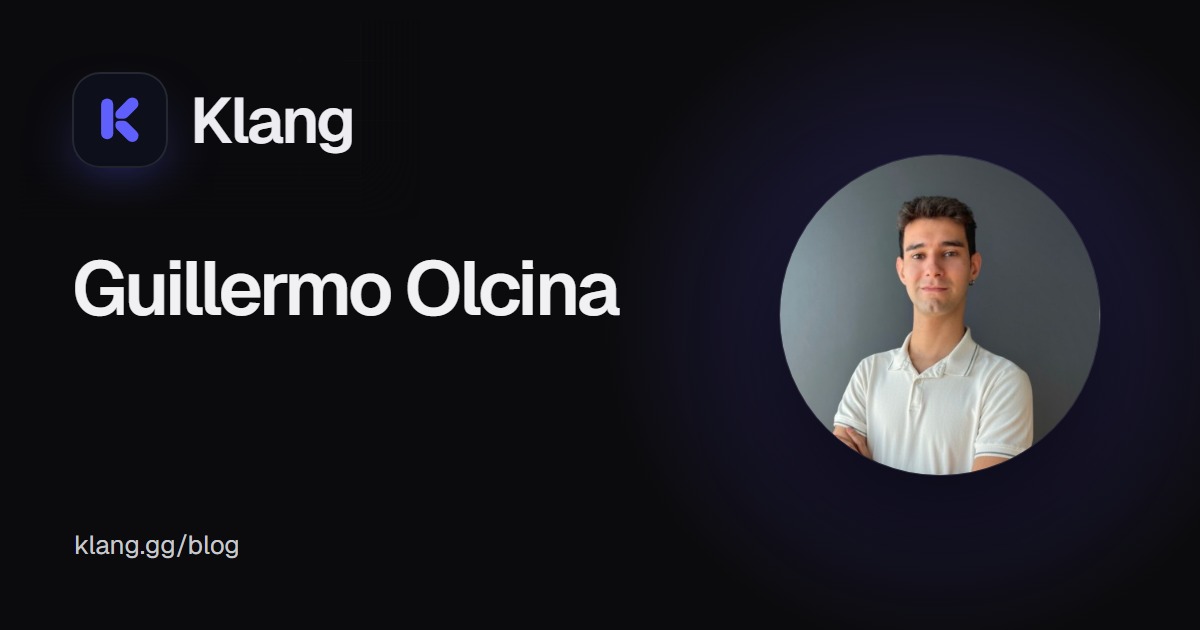
My name is Guillermo Olcina and I’m writing from Valencia. I’ve been programming since long before AI wrote code, I’ve used Discord almost every night for years, and a few months ago I started building Klang.
This post is long on purpose: it covers who I am, why I made Klang, how it works under the hood and where it’s going. If you only have a minute, here’s the summary: I wanted a place to talk to my friends that was fast, had no ads and didn’t ask for my face. Since I couldn’t find one, I made it myself.
Where I come from
I started working as a developer in 2018. I built websites, APIs and web apps for other companies, and I learned two things: that beautiful code is worthless if the product doesn’t solve a problem, and that what people notice isn’t the architecture, but whether the app makes them wait.
In 2021 I co-founded Attion as CTO, and we went through Lanzadera, the Valencia accelerator. There I learned that a startup doesn’t usually die from a lack of ideas, but from trying to do them all at once. Every feature you add is a feature you have to maintain, and money leaks out through places you don’t see until the bill arrives.
Since 2022 I’ve been the CTO of Coventia, a Spanish legal-tech and insurtech company. I lead a team, decide the architecture, talk to customers and answer when something goes down at odd hours. I like it and I’m still doing it: I build Klang on the side, at night and on weekends.
I’ve applied all of that to Klang. The hardest part hasn’t been programming it, but deciding what to leave out.
Discord was my home
I’ve used Discord for many years. I’ve played games there until the small hours, set up servers with my friends and watched whole communities grow from nothing (mostly around Dead by Daylight, my favorite game for seven years). For a lot of people my age, Discord is where their people are.
That’s why it bugs me to see how it has changed.
What has changed
- It asks for your face or your ID. Since 22 September 2026, Discord places every account in the world in an age group. If it can’t work out your age, it asks for a video selfie or a scan of your ID to lift the teen account restrictions.
- It has already lost IDs. In October 2025, the hack of a customer service vendor exposed about 70,000 photos of Discord users’ ID documents.
- More and more ads. Quests are rewarded ads inside the app, and sponsored content can’t be fully turned off.
- It charges for the basics. Using your emoji in other servers requires Nitro, and for free you can only share your screen at 720p and 30 fps.
I understand why it has made each of these decisions: there are new laws, servers to pay for and a company that has to grow. But they all point the same way: Discord asks more and more of you to make more and more money. Your attention for the ads, your face for verification and your card for things that used to be free.
A lot of people are looking for alternatives. I’ve decided to build one.
Deciding to build Klang
I could have complained on a forum and carried on as before. But I’ve been building products for years and I know this problem well: I know how a real-time chat works, how much voice costs and where these apps tend to break when they grow.
Today, if you come from other chat apps, you’ll feel at home in Klang, and that’s on purpose: if you switch, you don’t want to learn a new app. It has a few things that Discord doesn’t have or charges for, but there are still only a few. What I was sure of is that I didn’t want to put everything in from the start, which is where alternatives tend to sink. So I set myself three ideas, and when I’m torn between two options, I pick the one that fits them best.
Three ideas
Keep it fast. It’s the biggest advantage a new app can have over one everyone already uses. If Klang is just as fast as what you already have, there’s no reason to switch. If it’s faster, you notice from the first message. That’s why, if a new feature makes the app noticeably slower, it doesn’t get in.
The basics, free. Talking to your friends shouldn’t cost money. In Klang, emoji in any server, themes, your server’s statistics, noise suppression and moderation tools are all free, with no need for bots. You only pay for what really costs us a significant amount of money: better video quality and bigger files.
No ads. Klang has no ads and no analytics. It’s funded by its paid plans, so it doesn’t need your attention for anything else. It doesn’t know which screen you linger on or how long you spend in it, because it doesn’t measure it. And your friends can join with a link, without signing up or giving their email.
How it manages to be fast
When you send a message, it shows up on your screen instantly, without waiting for the server to respond. When the server confirms it, the app updates it in the background. If something fails, it lets you know.
The goal is for your message to reach everyone else in under 120 ms if they’re on the same continent. Getting there took work. In the first days in production, messages showed up on your screen right away, but they took a while to be confirmed and to reach other people. When I measured it, I saw the problem: each message made about 26 back-to-back queries to the database, and each one went from one data center to another. I rewrote almost all of them: permissions are now kept in memory, saving the message and returning it is a single query, and anything that isn’t urgent happens after the response. Today sending a message costs a fraction of what it used to.
Other decisions along the same lines:
- A single live connection. The app doesn’t ask the server every few seconds whether there’s anything new. Messages, people joining voice and friends coming online arrive over an open connection the moment they happen.
- Long lists without stutter. The app only draws the messages and members that fit on the screen, so a channel with years of history runs just as smoothly as a new one.
- Automatic reconnection. If you close your laptop or switch networks, Klang reconnects and catches up on what you missed, without reloading.
- Two separate servers. The one that handles requests and the one that delivers live messages are different programs, because they grow differently.
I explain it in more detail in the post “Why a chat app should feel instant”.
The design
In Klang, people spend hours at a time, often at night, reading a lot of text. Almost every design decision comes from that:
- The interface, in the background. Almost the whole screen is for what people write. Navigation sits in a dark frame, and what you’re using, in a panel on top of it. That way you know where to look without thinking.
- A single typeface. Geist, which reads very well at 14 px, the size of almost all the text in a chat.
- Little color. Klang’s violet appears in only a few places and always for something specific.
- You see who’s speaking. In a voice channel, the avatar of whoever is speaking gets a green ring while they talk. You know who’s talking without looking for their name.
- Sounds of its own. Joining voice, muting yourself or sharing your screen have Klang sounds, all based on the same three-note melody. They aren’t audio files: they’re generated on your device.
- Short animations. Anything you see a hundred times a day lasts no longer than 200 ms. And if you have “reduce motion” turned on in your system, Klang respects it throughout the app.
On top of that, it’s been in 10 languages from the start, with themes to change the colors, and you can create your own themes and share them with a link.
Voice and screen sharing
Voice is the hardest thing to get right, and the most noticeable when it fails.
Klang uses LiveKit, an open-source real-time video server, on our own servers. Noise suppression is on every plan, the free one included, and it works on your device: your voice isn’t sent anywhere to be cleaned up.
Screen sharing is what I care about most as a gamer:
- With sound. In the Windows desktop app you can share only the sound of one application, the game’s, without the call’s sound leaking in.
- The best codec your device has. If your graphics card encodes H.264 in hardware, it’s used. If not, VP9, which looks much better with text and edges.
- Quality you can adjust live. You can go from 720p to 1440p at 60 fps while sharing, without cutting out.
Free, you share at 720p and 30 fps, with voice at 96 kbps. With Plus, at 1080p and 60 fps, with voice at 128 kbps. With Pro, at 1440p and 60 fps, with voice at 256 kbps.
The infrastructure
Klang is a young app, but it’s designed to grow without surprises:
- The web app is served from Cloudflare’s network, close to wherever you are.
- The API and the real-time server are in Europe, in containers that can be multiplied when needed.
- The database is PostgreSQL, in Belgium. Messages are stored in tables split by date, so a server with years of history keeps responding just as fast.
- Files are uploaded directly to storage, without going through our servers, and they’re served from a different domain from the app’s, for security.
- Voice and video run on our own servers in Europe. The next step is to have one in the United States, so people playing from there don’t get an ocean of lag.
This matters because, in an app like Klang, what costs the most isn’t the chat, which is cheap, but bandwidth: minutes of video and gigabytes of files. That’s why every plan has its limits from day one, and why what costs money to move is what you pay for. That way Klang can be free to talk without needing ads.
Privacy and security
- No ads and no analytics. Nothing measures what you do inside the app.
- No asking for your face. Today you don’t need to show your face or your ID to use Klang.
- The server checks everything. The app hiding a button isn’t what stops you from doing something: every action is checked on the server.
- Your data, in Europe. The database and the servers are in the European Union. You can download your data and delete your account from settings.
How it’s paid for
Klang is free to chat, with no limit on messages, friends or voice minutes. What costs money is a subscription: Plus for $4.99 a month, Pro for $9.99 a month, and Tier 1 and Tier 2 to upgrade a whole server.
And there’s something else: the Overture Pass, a one-time founding pass. There will only be 500, numbered. It includes Pro for as long as Klang exists, a badge with your number, Tier 1 for the server you choose and access to the private server where we vote on what comes next. It exists so that anyone who wants to back Klang from the start can do it, and to pay for the infrastructure in the first months.
What it already has
- Web and desktop app for Windows, macOS and Linux, in 10 languages.
- Servers with channels, categories, roles and per-channel permissions.
- Direct messages and groups, with calls and camera.
- Voice with noise suppression and screen sharing with sound.
- Polls, custom emoji, themes and your server’s statistics.
- Moderation without bots: slow mode, temporarily muting someone, kicking, banning and an AutoMod with rules.
- “Active now”: what your friends are playing and which call they’re in.
- Shortcuts that work with the app minimized, and streamer mode when you open OBS.
- Importing your Discord server’s structure from its template: channels, roles and permissions.
- Updates almost every day.
What it doesn’t have yet
I’d rather say it myself: Klang doesn’t have a mobile app, bots or forums yet. Some things will come and others might not. Every new feature is more code to maintain and, almost always, a slightly slower app. I’d rather have fewer things and have all of them work well.
Where it’s going
- The mobile app. It’s next.
- Voice servers on more continents, so calls work well wherever you are.
- The best screen sharing for gaming. It’s where the difference shows most, and where I most want to improve.
- Starting at home. The Spanish-speaking community is huge and underserved. Klang is made in Spain, in Spanish from day one, and I want that to show.
You can follow what’s in progress on the roadmap.
Try it
Go to klang.gg, create a server and send the link to your friends: they can join without signing up. If you’re coming from Discord, you can bring your server’s structure over in a couple of minutes.
If you have an idea, something doesn’t work or you just want to tell me what you think, write to me at hi@klang.gg. I read everything that comes in.
Thanks for reading this far.
Guillermo